HOLOH and Microsoft Teams
HOLOH and Microsoft Teams, side by side
Keep Teams for everyone, and add HOLOH for the teams that need it.
Side by side
Keep Teams. Add HOLOH where the work happens.
Teams stays for
- Company-wide meetings and town halls
- Organisation-wide chat and announcements
- Everything already set up in Microsoft 365
HOLOH adds
- A workspace for each team or project
- A personal Holoh for every member, and coworker agents that answer in the thread with sources
- Confidential AI for sensitive work
- Team meetings in a 3D room, on camera as yourself
Microsoft Teams
How they work together
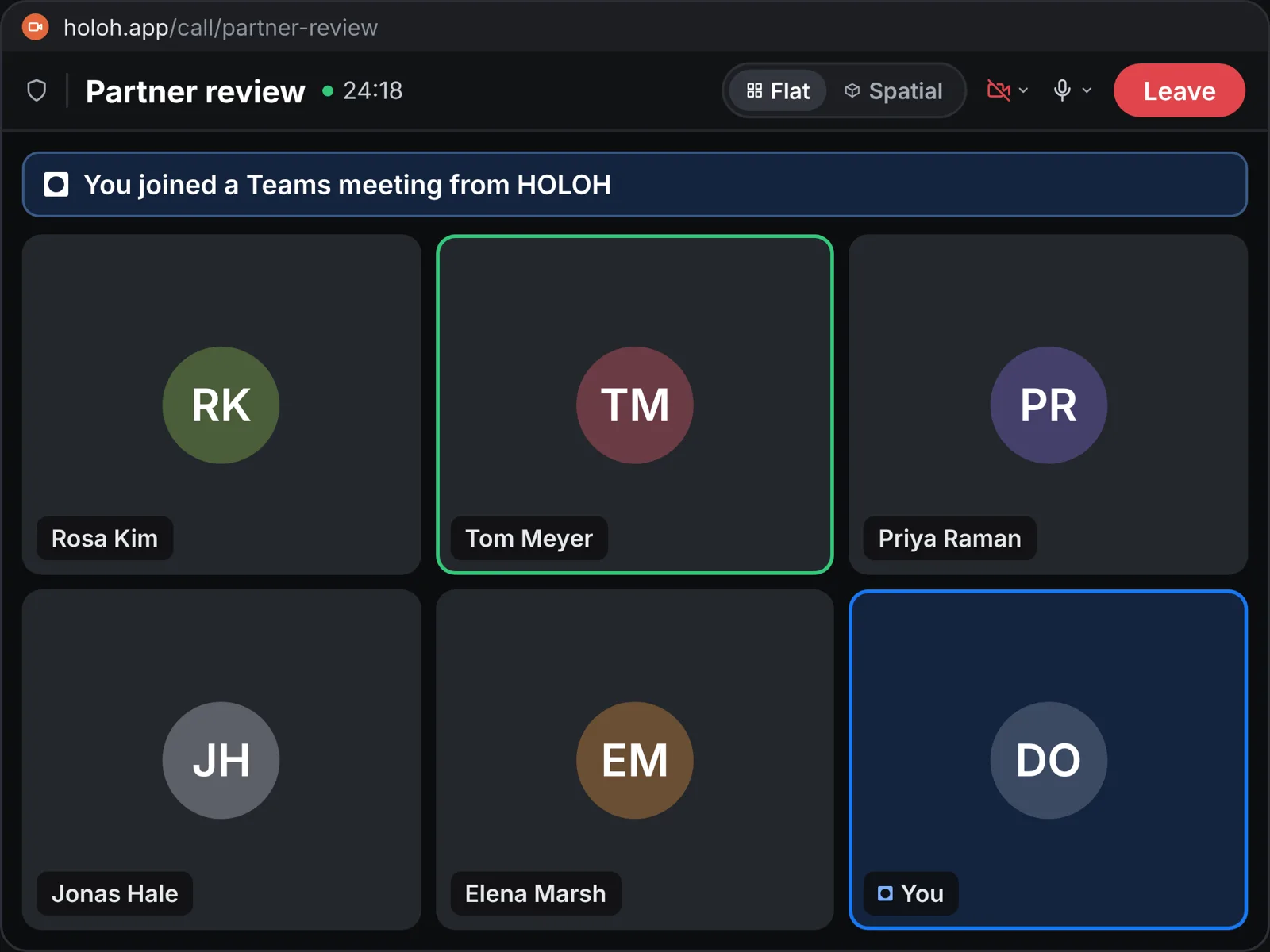
- Join Teams meetings from HOLOH.HOLOH members join as external participants; Teams users don't install anything.
- One setting for IT.Allow external participants in Teams.
- Start with one team.Add more teams at your own pace.
Try HOLOH with one team
Tell us about your team and we'll show you around.
Try HOLOH with one team
Start on the Free plan. No card needed.